 Jam Jam
Free · works in your browser · no sign-up
Learn piano online
To learn a piece on the piano online with Jam Jam, drop a MIDI file into the browser: notes fall towards the keyboard, scrolling waits for the right note, then you loop each passage, first in rhythm and then at full tempo. Play it on a MIDI keyboard or your computer keyboard, free and with no account.
Free, no account. You need a MIDI file (.mid) of the piece.
Learning piano online at a glance
- On the web: any MIDI file (.mid, .midi), left and right hands split.
- Three stages per passage: wait for the note, rhythm, then full tempo.
- Loops proposed automatically; tempo starts at 70% and climbs towards 100%.
- Inputs: MIDI keyboard (Chrome, Edge) or your computer keyboard.
- In the mobile app: built-in exercises, as soon as a MIDI keyboard is connected.
How to learn a piece on the piano online
-
Drop a MIDI file
Open “Learn piano” and drop the piece’s .mid file. Jam Jam splits the tracks between left and right hand.
-
Plug in your keyboard, or use the computer keyboard
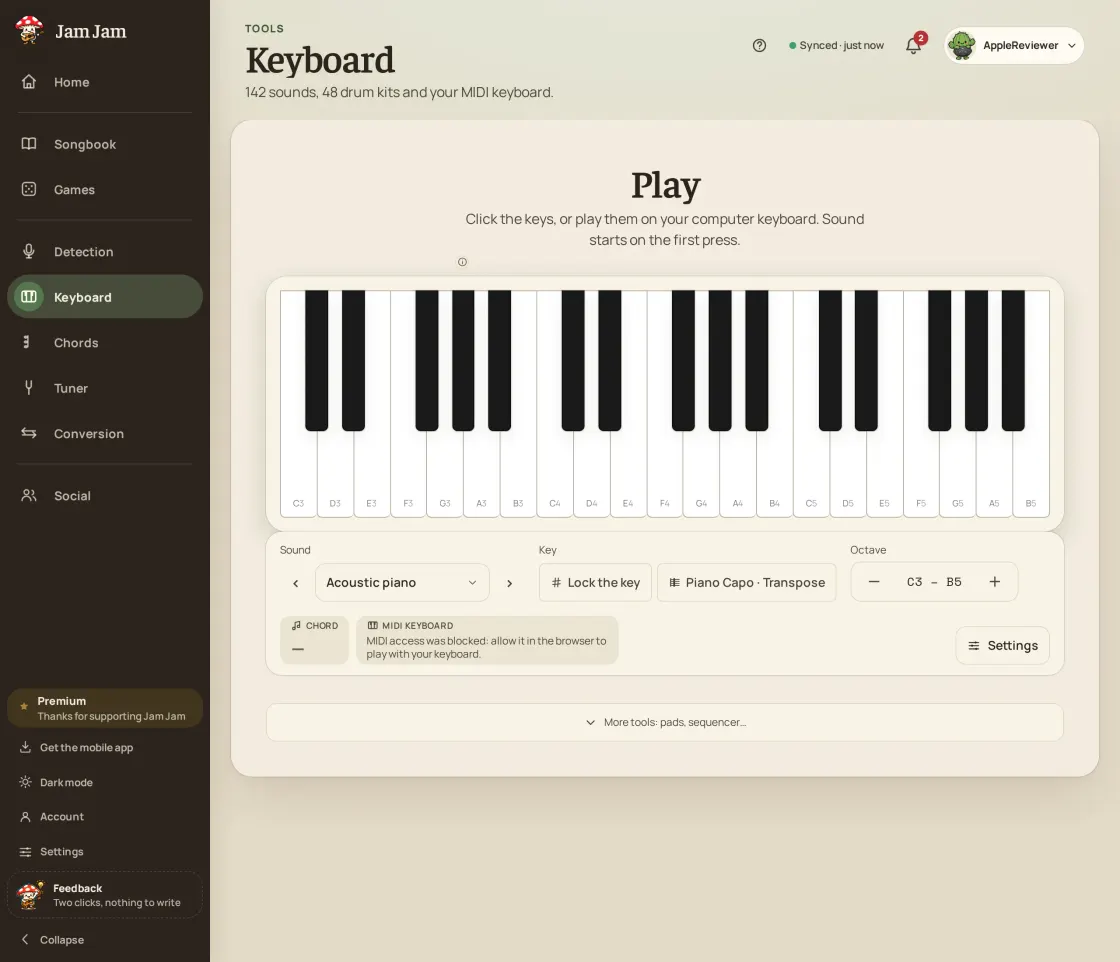
A MIDI keyboard is recognised in Chrome and Edge. Without one, the middle row of the computer keyboard gives the white keys.
-
Pick a passage
The piece is cut into short passages. Start with the one that resists you: it plays in a loop.
-
Clear the three stages
First scrolling waits for the right note, then it moves on its own and your rhythm is judged, finally you play it at full tempo.
Wait mode: learning the notes without pressure
In Jam Jam’s wait mode, notes fall towards the keyboard and scrolling stops until the right note is played. Time does not count yet: this is the stage where you learn which keys to press, and in what order. A right note moves on, a wrong note moves nothing.
Why three stages to learn a piece on the piano
Wait mode teaches the notes but never the pulse: by being waited for, you get used to playing without tempo. That is why Jam Jam only considers a passage mastered after all three stages, in order. Replaying the wait stage a hundred times validates nothing.
| Stage | What happens | To clear it |
|---|---|---|
| Wait | Scrolling waits for the right note | At least 95% right notes, free timing |
| Rhythm | The piece moves on its own, reduced tempo | 90% right notes, 60% right timing and a score of at least 55 out of 100 |
| Tempo | Full speed, no safety net | 90% right notes, 65% right timing and a score of at least 75 out of 100 |
Loops that speed up with you
Jam Jam cuts the piece into passages and offers to loop them. Tempo starts at 70% and climbs in steps towards 100% as you succeed; a mastered passage then widens to the next one, to stitch the piece back together.
Learning piano on a phone with the Jam Jam app
In the Android app and the iOS beta (TestFlight), “Learn piano” sits in Settings, under MIDI, and only appears when a MIDI keyboard is connected: a phone screen is too small to play with both hands. Exercises are built in; dropping a MIDI file is specific to the web.
No subscription to start, no imposed lesson: you learn the piece you want, from its MIDI file, with the wait, rhythm, tempo method that keeps you from getting stuck at the first stage.
Start on the piano →More Jam Jam tools
Learn piano online FAQ
Can you learn piano online for free?
Yes. Jam Jam’s “Learn piano” is free and needs no account in the browser: drop the MIDI file of a piece and play it passage by passage.
Do I need a MIDI keyboard to learn piano online?
It is better but not required on the web: the computer keyboard plays the notes too. In the mobile app, a connected MIDI keyboard is required.
Where do I find a MIDI file of my piece?
Most notation software exports MIDI. Jam Jam can also export a melody from your songbook as MIDI. For a copyrighted work, use a file you are allowed to use.
Can the microphone replace a keyboard?
Not in “Learn piano”: the exercise reads a MIDI keyboard or the computer keyboard. The mobile app has a separate microphone practice screen.
Is it suitable for a complete beginner?
Yes for learning a piece note by note: wait mode gives you all the time you need. It does not replace a teacher for posture and technique.