 Jam Jam
Free · works in your browser · no sign-up
Find the chords in an MP3 with AI
Drop an audio file and Jam Jam’s AI pulls out its time-stamped chords, key, tempo and section structure: in your browser, or on our server if you want it faster.
- No account
- No ads on the web
- Nothing to install
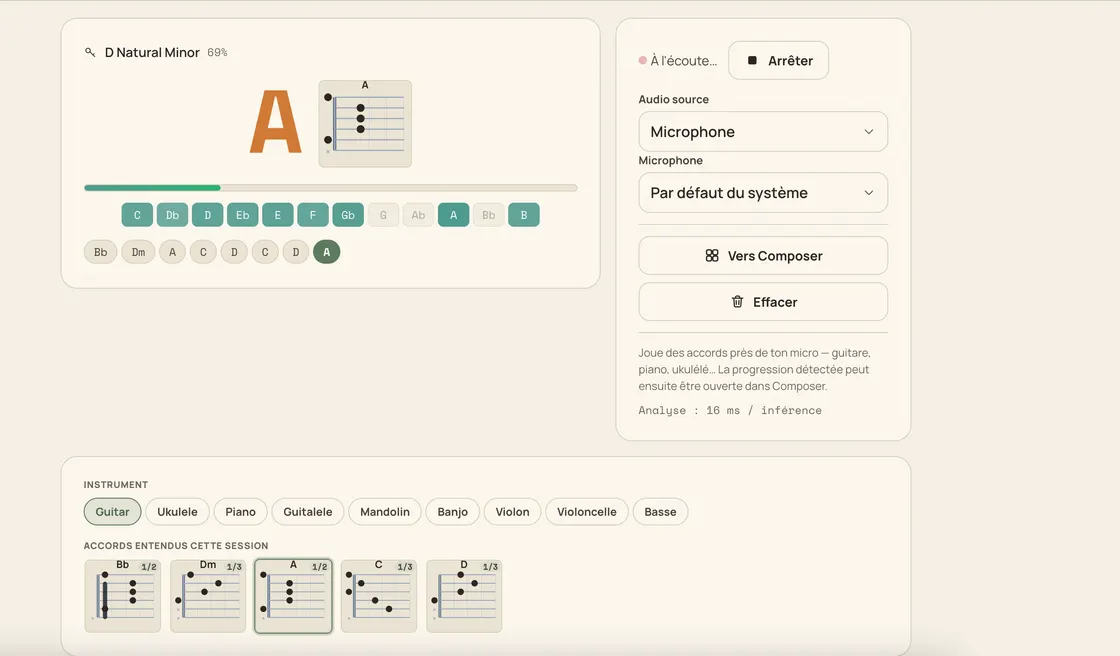
You have the track as an mp3, but not its chords. Drop the file into the Audio file tab of Jam Jam detection: a BTC model (an embedded chord transformer) goes through the whole thing and returns time-stamped chords, an estimated key, the tempo and the song structure in sections, with the repeats it spots. 14 chord qualities across all 12 keys, 168 chords in total. On the phone everything is computed on your device and the file never leaves it. In the browser you choose, analysis by analysis: compute locally, or hand the file to our server in France, which returns the chords and the lyrics faster and deletes it the moment the analysis ends. One tap then sends the song to your chord notebook, where you edit it, transpose it and export it as a PDF.
How to get chords from an audio file
-
Drop your file
Drag in an mp3, m4a, wav or flac, then pick where it is analysed: your own device, or our server for speed.
-
Let the model listen
The BTC model goes through the whole track and pulls out time-stamped chords, the key and the tempo.
-
Move through the timeline
Tap any chord on the timeline and playback jumps there, so you can check each passage by ear.
-
Send it to your notebook
One tap and the song lands in your notebook, title pre-filled, ready to transpose and export as a PDF.
Your file, your call
Local by default, server if you ask
In the mobile app the mp3 stays with you, full stop: the work runs in the native module and no server ever hears your music. In the browser it runs in a Web Worker by default, and if you would rather go faster, you can send the file to our server, which analyses it and deletes it immediately.
A real chord model
A bidirectional BTC transformer, fed by a CQT front-end at 22,050 Hz over 144 bands, recognises 14 qualities across the 12 keys: 168 chords. The same model on web and mobile.
More than a chord grid
You also get the estimated key, the tempo in BPM and the section structure with its detected repeats: enough to understand the track, not just replay it.
The song keeps going
The analysis is not a throwaway result: it becomes a song in your notebook, editable, transposable from −6 to +6 semitones and exportable as a PDF.
Why this analysis
- Time-stamped chords, key, tempo and sections in one pass
- 14 chord qualities on the 12 keys: 168 chords recognised
- Clickable timeline: tap a chord and playback jumps there
- On web, Android and iOS: on mobile nothing is ever uploaded

An online analyser hands you a grid and stops there. Here the track you drop becomes a song in your notebook: you fix a doubtful chord, transpose it for your voice, ask for the most comfortable capo, add the lyrics, export a PDF for rehearsal. The key it reads can also lock the online keyboard, and the diagrams follow the instrument you play. That chain (file, notebook, keyboard, PDF) is the difference, not the recognition alone.
Analyse an audio file →More Jam Jam tools
Audio file chords FAQ
Is my file uploaded to a server?
That depends on a setting you control, on mobile as on the web: the analysis runs either on your device, where nothing is uploaded, or on our server in France, which deletes your file as soon as it is done. By default it goes online over Wi-Fi and stays on your device otherwise, and the screen always says which one is running. It is free and needs no sign-up either way.
Which formats can I drop?
On the web, anything your browser can decode. In the mobile app: mp3, m4a, aac, wav, flac and ogg. You drop the file as it is, with no conversion first.
Does it work on a phone?
Yes: on the web, on Android and on iOS, with the same model. The mobile app can also transcribe the lyrics, and keeps a history of your analysed files so you can reopen a result without re-running the analysis. Free, like the rest. On the free plan, audio file analyses are capped at 15 per week (the counter resets on Monday).