 Jam Jam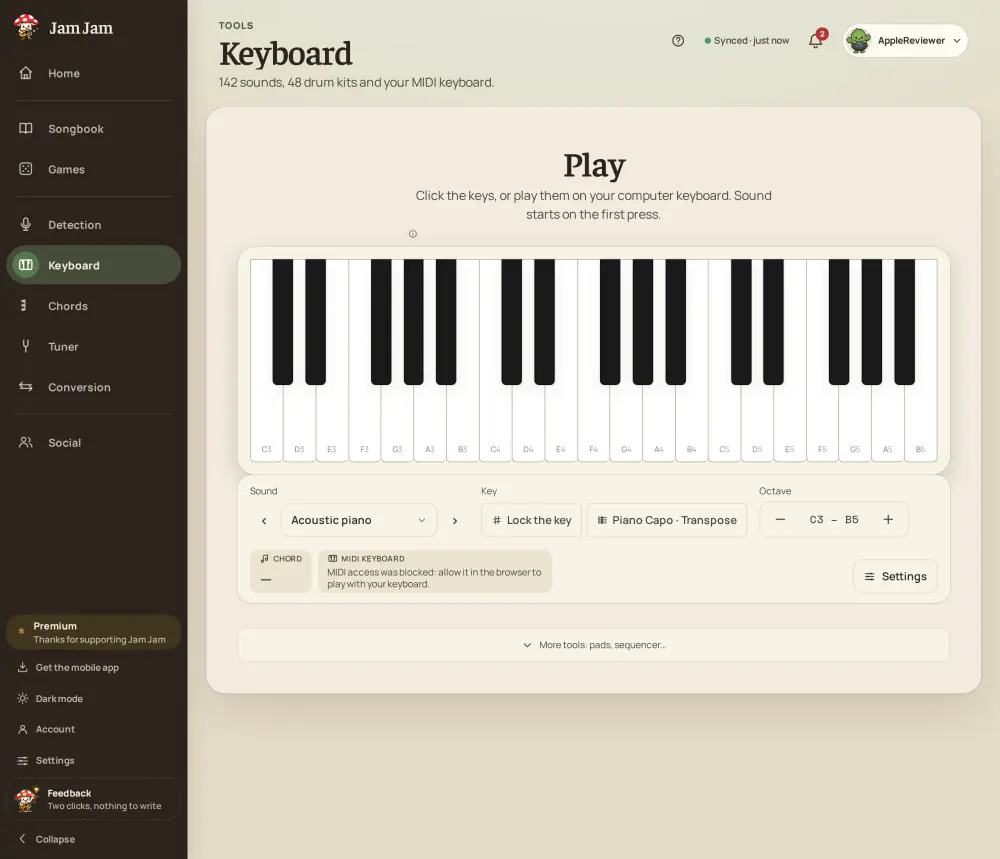
Drum pads under your fingers: techno, hardtek, gabber
Turn the lowest keys of your MIDI keyboard into eight drum pads and hammer out a beat. 48 drum packs are sorted into 14 genres: from acoustic and hip-hop to techno, acidcore, hardtek, gabber and frenchcore with their huge kicks. Transposing a pad pitches the sample itself, so you can tune a kick or a snare on the fly, and a single “link the whole keyboard” switch turns every key into the kit for a full-range drum performance.
Eight knobs, MIDI-learn, arpeggiator and tempo
Shape the sound in real time with up to eight synth knobs (cutoff, resonance, drive, reverb, delay and more) each responding instantly. MIDI-learn lets you assign any physical knob or wheel on your controller to any parameter in one move, including the BPM, so the whole rig bends to your hardware. An arpeggiator and automated synths keep patterns running, while the keyboard’s ◀ / ▶ buttons flip through instruments with the current synth name always on screen.
Your own SoundFonts, minimal latency, keyboard transposition
Import your own .sf2 SoundFonts (a Premium feature) to play any sampled instrument you own, and enjoy minimal latency: the audio engine locks onto your device’s native sample rate for a tight, responsive feel. The keyboard transposition (also called the “keyboard capo”) shifts everything by semitones without changing your fingering, and you can pull a key straight in from Loop, chord Detection or your Songbook so the whole keyboard is already in the right key.
Plug in your MIDI keyboard and turn your phone into a workstation: