 Jam Jam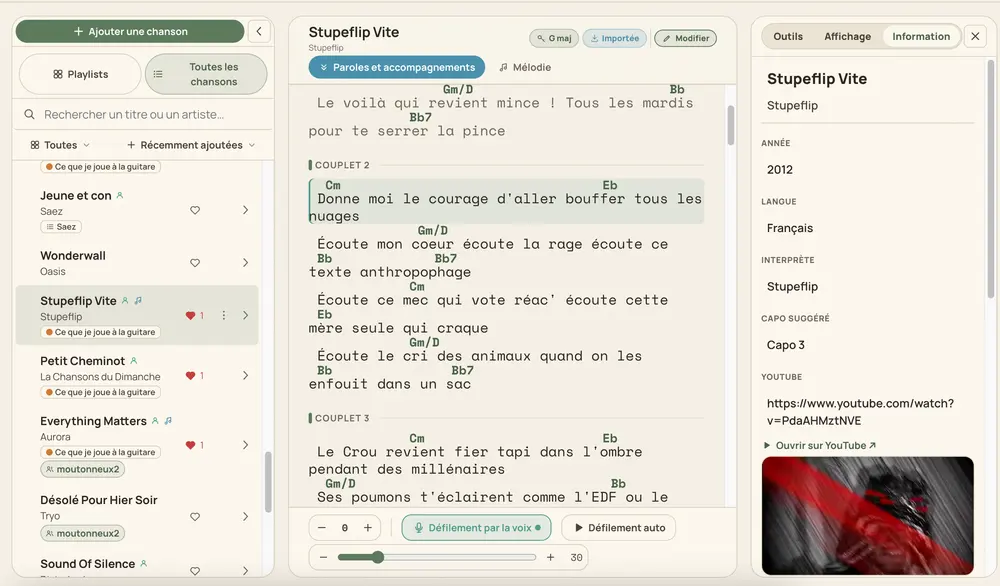
The AI times your lyrics, word by word
Type or import your lyrics, and our server aligns them to your own recording, word by word: the highlight glides across the line as the song plays, no manual syncing needed. Scroll it your way afterwards: a steady speed, following your voice through the microphone, or locked to the music.
Six moods, full screen, chord diagrams underneath
Pick from six visual moods and go full screen: the lyrics fill in as the song plays, with the chord diagrams for your instrument scrolling right underneath, so a whole band can follow the same screen. It reads exactly like the notebook entry it comes from, just built for a room, not a phone in your hand.
A video to send, with the mix you choose
Turn the result into a video you can send to your band or your choir. Once you have separated that song’s voice and instrumental tracks (from the Audio tab), the export lets you pick vocals plus instrumental, vocals only, or instrumental only, and set each one’s volume independently, defaulting to instrumental only so you can sing over it. Until the tracks are separated, the video uses your original soundtrack untouched.

Try it on one of your own songs: