 Jam Jam
Free · works in your browser · no sign-up
Free online ukulele tuner
A precise tuner for your ukulele, right in your browser: re-entrant GCEA, low G and baritone DGBE, to the cent.
- No account
- No ads on the web
- Nothing to install
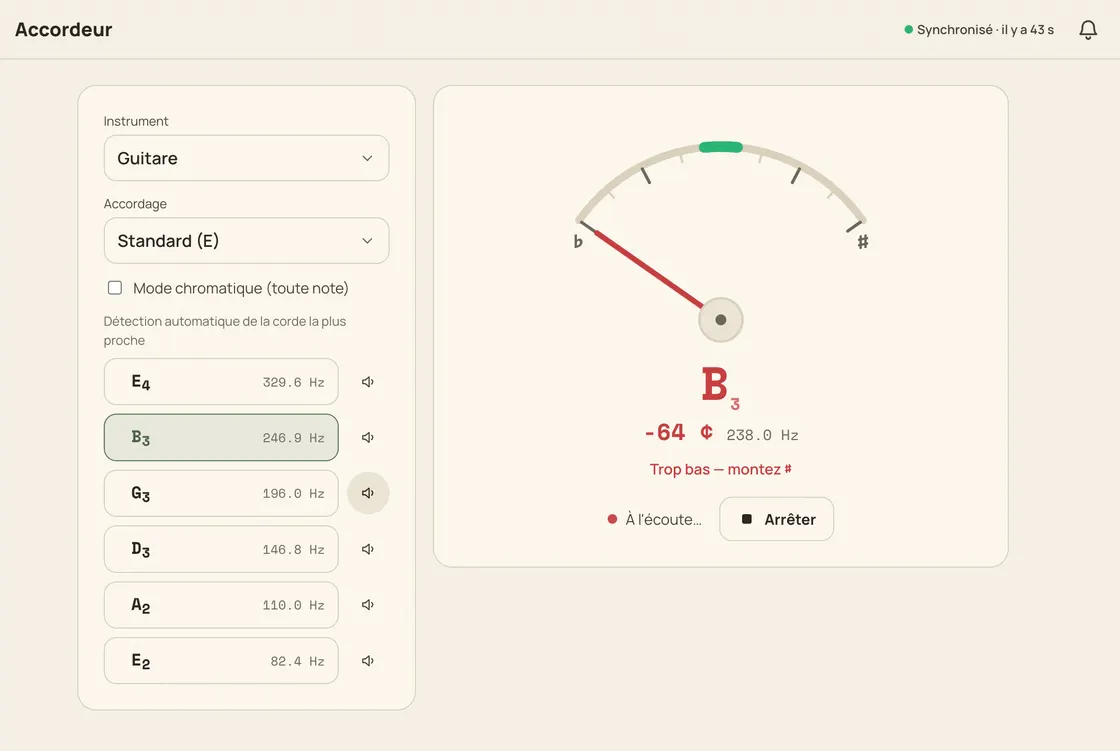
The Jam Jam online ukulele tuner listens through your microphone and tells you, string by string, whether you are sharp or flat: down to the cent. Three tunings are built in: standard GCEA, whose fourth string is re-entrant (it sounds higher than its neighbours, A4 E4 C4 G4), low G, which drops that string an octave to G3 for extra bass, and baritone DGBE, tuned like the four thin strings of a guitar. The reference note is played in a ukulele voice, not a piano’s. And once you are in tune, 88 hand-written ukulele chord shapes are waiting in the same app.
How to tune a ukulele online
-
Allow the microphone
Open the tuner, pick Ukulele and allow the mic: the audio is analysed on your device and nothing is uploaded.
-
Pick your tuning
Standard GCEA, low G if your fourth string is a thick wound one, or baritone DGBE on a larger ukulele.
-
Pluck one open string
Play a single string. The nearest of the four locks on by itself; a tap freezes one string instead if you prefer.
-
Centre the needle
Turn the peg until the needle sits inside ±5 cents and turns green, then work through all four strings.
Built for the ukulele, not adapted to it
Re-entrant GCEA, finally explained
Standard uke tuning is re-entrant: the fourth string, G4, sounds higher than the C4 beside it. The tuner shows each string’s real octave, no G3 by mistake.
Low G and baritone included
Switch to low G (A4 E4 C4 G3) for a linear range, or to baritone DGBE (E4 B3 G3 D3): the three tunings a ukulele actually uses, no chromatic guesswork.
Auto string lock, or manual
It settles on the nearest of the four strings by itself. Two strings too close together? A tap freezes one, a second tap goes back to automatic.
A reference note that sounds like a uke
Tap a string to hear its target pitch played for 1.5 s in a ukulele voice: far easier to match by ear than a piano tone.
Why tune your ukulele here
- 3 tunings: standard GCEA, low G and baritone DGBE
- In tune within ±5 cents, cents to the unit and frequency to 0.1 Hz
- Free in your browser, no sign-up, no ads, nothing to install
- Chromatic mode from 40 to 1600 Hz for everything else

A single-purpose tuning site stops the moment your ukulele is in tune. Here it is one tab among others: chord detection names what you strum, the notebook keeps the song, and the diagrams draw 88 hand-written ukulele shapes on a 12-fret neck, with a capo from 0 to 12. Everything is computed in your browser by a local audio worklet (the mic is even requested with noise suppression and automatic gain control switched off, two treatments that would skew the pitch) and the Android app does the same offline.
Tune my ukulele →More Jam Jam tools
Ukulele tuner FAQ
Is this ukulele tuner free?
Yes: free, with no sign-up and no ads. Everything happens in your browser: pitch detection runs in a local audio worklet, so nothing you play is uploaded, and the Android app tunes offline.
What is re-entrant GCEA tuning?
It is the standard ukulele tuning. A4 E4 C4 G4. The fourth string sounds higher than the third instead of lower, so the strings do not run from low to high. That is exactly where the bright, jangly uke sound comes from.
Low G or high G: which should I pick?
High G (standard GCEA) keeps the re-entrant chime and suits strumming; low G drops that string an octave, so your lowest note becomes G3 instead of C4: handy for melody and fingerpicking. One tap separates the two.